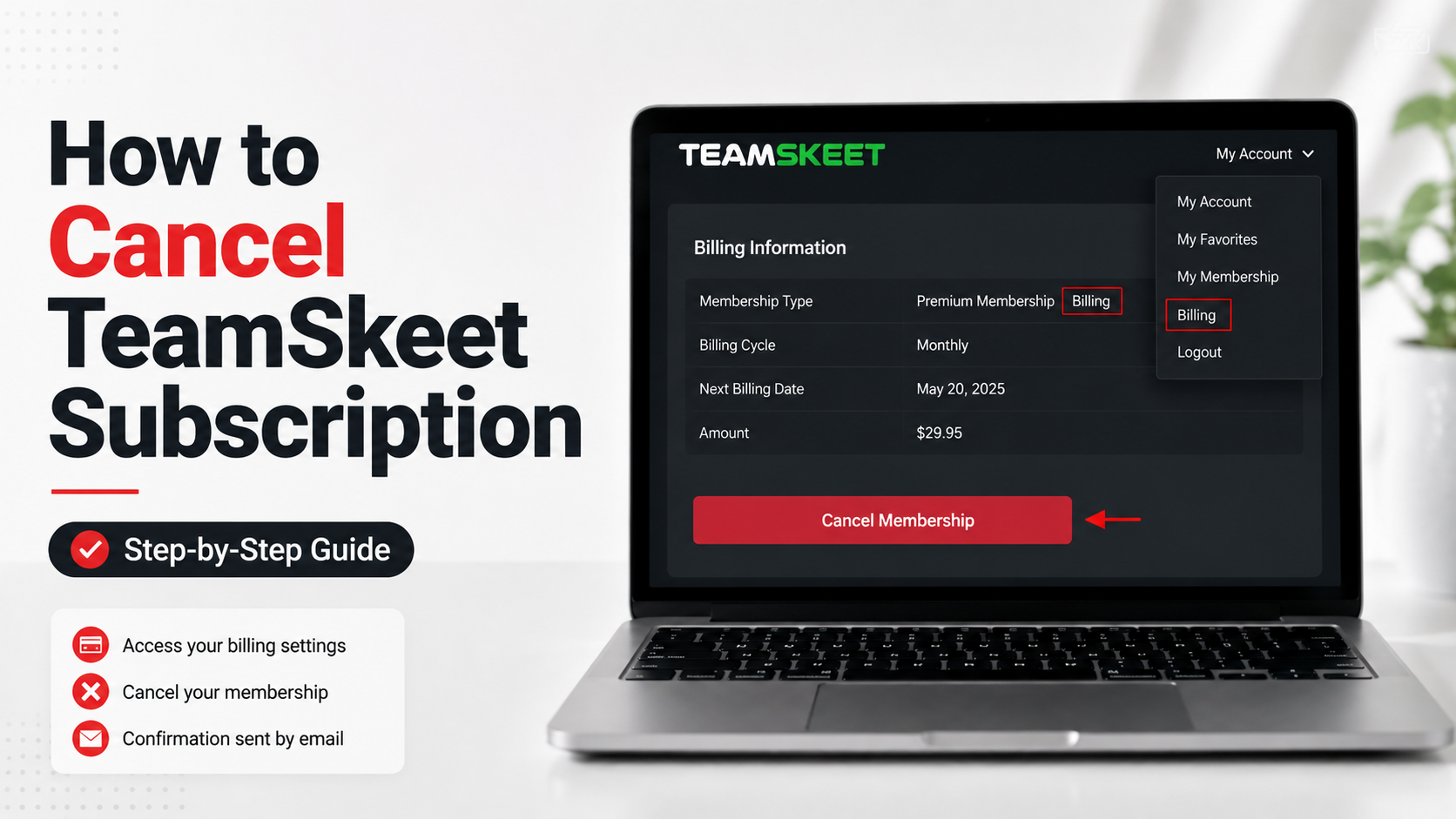
To cancel TeamSkeet, use the PSM Help cancellation page and locate your membership with your email and password. You can also cancel through the payment processor shown on your receipt.
TeamSkeet subscriptions generally renew automatically unless an offer says otherwise. After cancellation, access normally continues until the end of the current paid billing period.
If the PSM Help page cannot find your membership, identify your billing processor and cancel through that company instead.
Quick Cancellation Options
Method | What You Need | Best For |
|---|---|---|
PSM Help cancellation page | Account email and password | Most TeamSkeet members |
Segpay | Two account identifiers | Memberships billed by Segpay |
Epoch | Billing or purchase information | Memberships billed by Epoch |
PSM customer support | Account details | Login or billing problems |
TeamSkeet and PSM Help currently provide direct cancellation or billing-support routes through PSM Help, Segpay, and Epoch.
We recommend keeping your confirmation email after canceling. It provides the clearest record that recurring billing stopped and usually states when your membership access will end.
Before You Cancel Your TeamSkeet Subscription
Find the email you received when you joined. That message can save time because it should identify the company that processed your payment.
TeamSkeet uses outside billing processors. Its official support information currently directs customers to Segpay and Epoch for billing inquiries and cancellation.
Have these details ready:
The email address used when joining.
Your TeamSkeet account password.
Your purchase or transaction ID, if available.
The card used for payment.
Your latest billing statement.
Your next expected renewal date.
Purchase information, account email, and payment details can help the billing processor locate a subscription when direct account access is unavailable.
Do not wait until the last minute if your renewal is close. Canceling earlier gives you time to confirm that the recurring subscription has stopped.
Method 1: Cancel TeamSkeet Through PSM Help
For most users, this is the simplest place to begin. PSM Help is the support center connected with Paper Street Media, the company named in TeamSkeet’s current terms.
Step 1: Open the Cancel Membership Page
Open the official PSM Help Center and choose Cancel Membership. The page asks for subscription information before searching for your account.
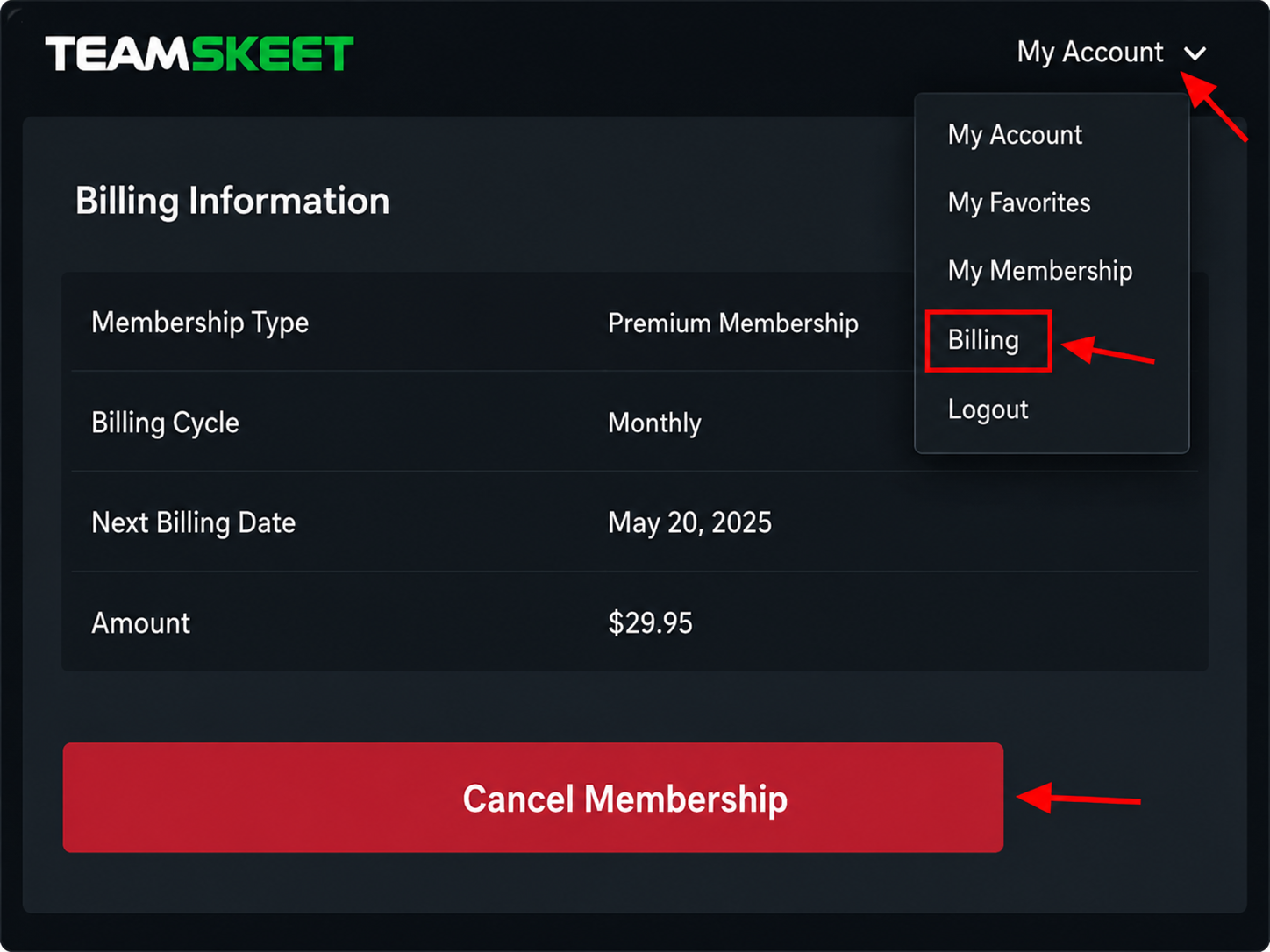
Tutorial image placement: Place the cancellation tutorial graphic directly below this step.
Recommended alt text: “How to cancel TeamSkeet subscription using the PSM Help Cancel Membership page.”
Step 2: Enter Your Account Details
Enter the email address associated with your membership and your password. The current PSM cancellation form specifically displays Email and Password fields.
Double-check the email, especially if you use several addresses for online subscriptions.
Step 3: Search for the Subscription
Select Search to locate the subscription connected with those credentials. The current cancellation form uses a Search button after the account-information fields.
Follow the cancellation instructions shown for the active membership.
Step 4: Finish the Cancellation
Complete every confirmation screen. Do not close the browser immediately after the first cancellation action.
Look for a final confirmation message or email. TeamSkeet’s support FAQ says an email is sent to the address on file after cancellation.
Step 5: Save Your Confirmation
Keep the cancellation email until at least one billing cycle has passed. PSM’s terms say the confirmation should indicate when the account will close.
If the confirmation does not show an end date, PSM’s terms direct customers to contact support for clarification.
Method 2: Cancel TeamSkeet Through Segpay
If your receipt or card statement identifies Segpay, you can manage the billing directly through Segpay. TeamSkeet currently links Segpay for billing inquiries and cancellation.
Segpay operates a consumer self-service portal. Its current portal requires at least two of three available search criteria to find a transaction.
Those identifiers can include:
The email used for the purchase.
The payment card used during signup.
The purchase ID from the confirmation email.
Segpay’s own cancellation guidance says these details can be used to locate the membership.
After locating the transaction, use the available subscription-management option. If online cancellation fails, Segpay also provides phone, email, and live-chat support.
Segpay currently lists 1-866-450-4000 for U.S. consumers and +1-954-414-1610 internationally. Its support email is help@segpay.com.
Save any cancellation reference, chat transcript, or confirmation email in case another recurring charge appears later.
Method 3: Cancel TeamSkeet Through Epoch
Some TeamSkeet payments are handled through Epoch. TeamSkeet’s current site lists Epoch as an authorized payment processor for billing inquiries and cancellation.
Check your original receipt or statement first. PSM Help recommends using the membership confirmation email when you are unsure which processor handled the transaction.
PSM Help currently lists Epoch billing support at 1-800-893-8871 in the United States.
When contacting Epoch, have your purchase details ready. Ask for the recurring TeamSkeet membership to be canceled and request written confirmation.
What Happens After You Cancel TeamSkeet?
Canceling stops the membership from continuing into another paid billing period. It does not necessarily remove access immediately.
Current PSM terms say members can continue using the service until the end of the billing period already paid for.
The account closes on the date stated in the cancellation confirmation. Seeing working access after cancellation does not automatically mean the cancellation failed.
How Do You Know TeamSkeet Is Really Canceled?
First, check your email. TeamSkeet’s support FAQ says a cancellation confirmation is sent to the address on file.
Second, read the confirmation for the account-closing date. That tells you how long your remaining paid access should continue.
Third, review your next card or bank statement. There should not be another regular renewal after the cancellation takes effect.
What if You Forgot Your TeamSkeet Password?
Use the Forgot Password option on the membership login page. PSM Help specifically directs users to password recovery for lost credentials.
If password recovery fails, try canceling through the payment processor. A processor may locate the purchase using transaction and payment information.
You can also contact PSM Help at help@PSMHelp.com. Provide enough information to identify the subscription, but avoid sending unnecessary sensitive payment details by ordinary email.
What if You Do Not Know Who Is Billing You?
Start with your membership confirmation email. PSM Help says the payment processor used for the transaction should be identified there.
Next, review your bank or card statement. The billing name may not simply say “TeamSkeet” because third-party processors can appear on the charge.
PSM Help specifically mentions ECHST as one possible third-party billing descriptor.
If you still cannot identify the charge, contact PSM Help with the transaction date and amount.
What if TeamSkeet Keeps Charging You After Cancellation?
Find your cancellation confirmation and compare its date with the new charge.
If the charge occurred after the membership should have stopped renewing, contact PSM Help. Its FAQ tells customers still being charged after cancellation to contact support.
If Segpay or Epoch processed the payment, contact that processor too. PSM Help provides billing-support details for both companies.
Provide your cancellation confirmation and transaction information so the billing team can investigate.
Can You Get a Refund After Canceling TeamSkeet?
Cancellation and refunds are separate. Ending the subscription prevents future renewals, but it does not automatically reverse a payment already processed.
PSM’s current terms say payments are generally nonrefundable except where required by law. They also say there are normally no credits for partially used subscription periods.
However, PSM Help says refund requests can be reviewed individually. If you believe a charge was incorrect, contact support and explain the transaction clearly.
Include the charge date, amount, account email, and cancellation information.
Does Canceling TeamSkeet Delete Your Account Data?
No. Subscription cancellation and data deletion are separate requests. PSM Help provides a distinct support process for account-data deletion.
Canceling ends the paid membership according to the billing schedule. A separate data-deletion request can be submitted through customer support.
We would cancel first, save the confirmation, and then request data deletion separately. This keeps the billing record and privacy request easier to track.
Frequently Asked Questions
Can I cancel TeamSkeet online?
Yes. PSM Help provides an online Cancel Membership page. You can also cancel through the billing processor that handled your payment.
Does TeamSkeet automatically renew?
Usually, yes. PSM Help says offers are scheduled to rebill at the end of each billing cycle unless the specific offer states otherwise.
Will I lose access immediately after canceling?
Normally, no. Current terms state that access continues through the end of the paid billing period.
How do I cancel a TeamSkeet trial before it renews?
Complete the cancellation before the trial ends. PSM Help says a trial can convert into a standard monthly subscription if it is not canceled beforehand.
Can I cancel through Segpay or Epoch?
Yes, if that company processed your payment. TeamSkeet lists both Segpay and Epoch as authorized processors for billing support and cancellation.
What should I do after canceling?
Save your confirmation email and note the account-closing date. Then check your next billing statement to make sure another renewal was not processed.
Final Takeaway
The easiest way to cancel TeamSkeet is to start with the official PSM Help cancellation page. Enter your membership details, complete the cancellation, and keep the confirmation email.
If PSM Help cannot locate the membership, check your receipt for the payment processor. Segpay and Epoch both have separate support routes for recurring billing.
Whichever method you use, do not consider the job finished until you have written confirmation. That step can make any later billing question much easier to resolve.